Every day starts locked.
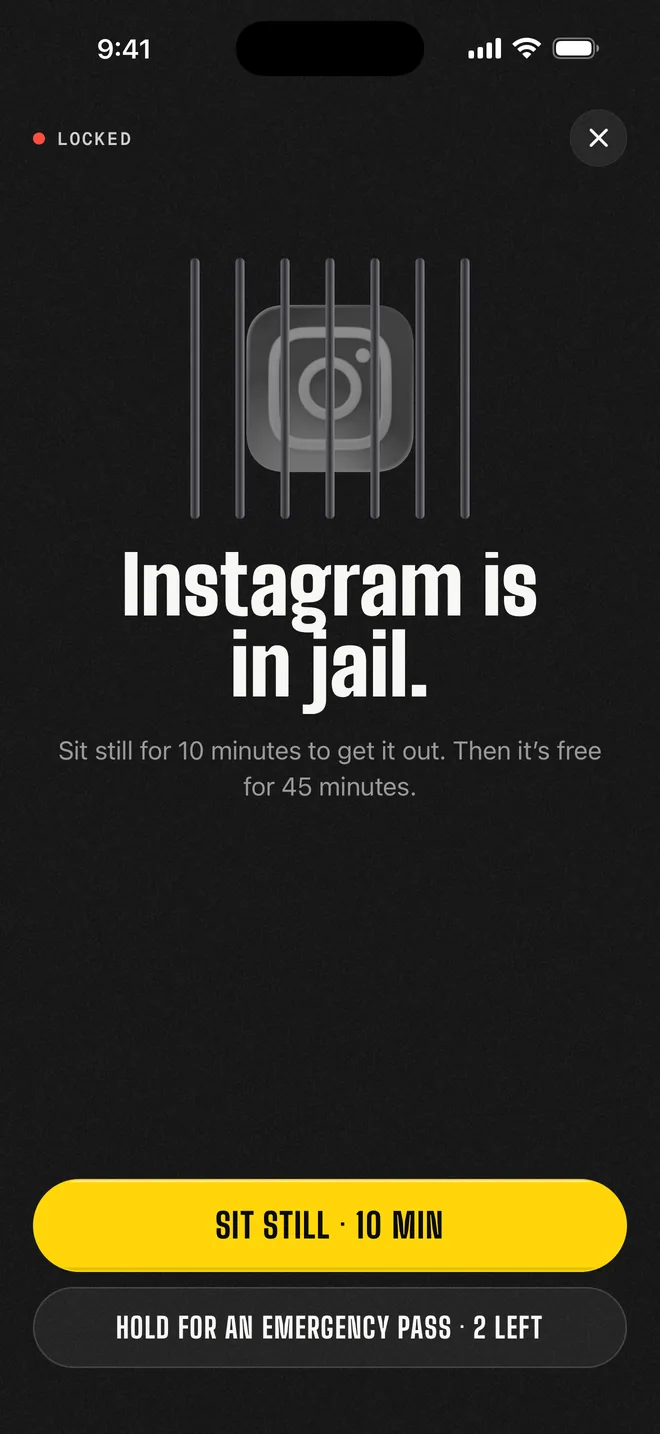
Instagram, TikTok, YouTube: whichever apps you pick. Open one and you get this instead.
 Dopamine Jail
Get the app
Dopamine Jail
Get the app
Pick the apps that eat your day. Every morning they start locked. Sit still for a few minutes to get them out. At midnight, they go back in.
For iPhone. Built on Apple’s Screen Time. No account.
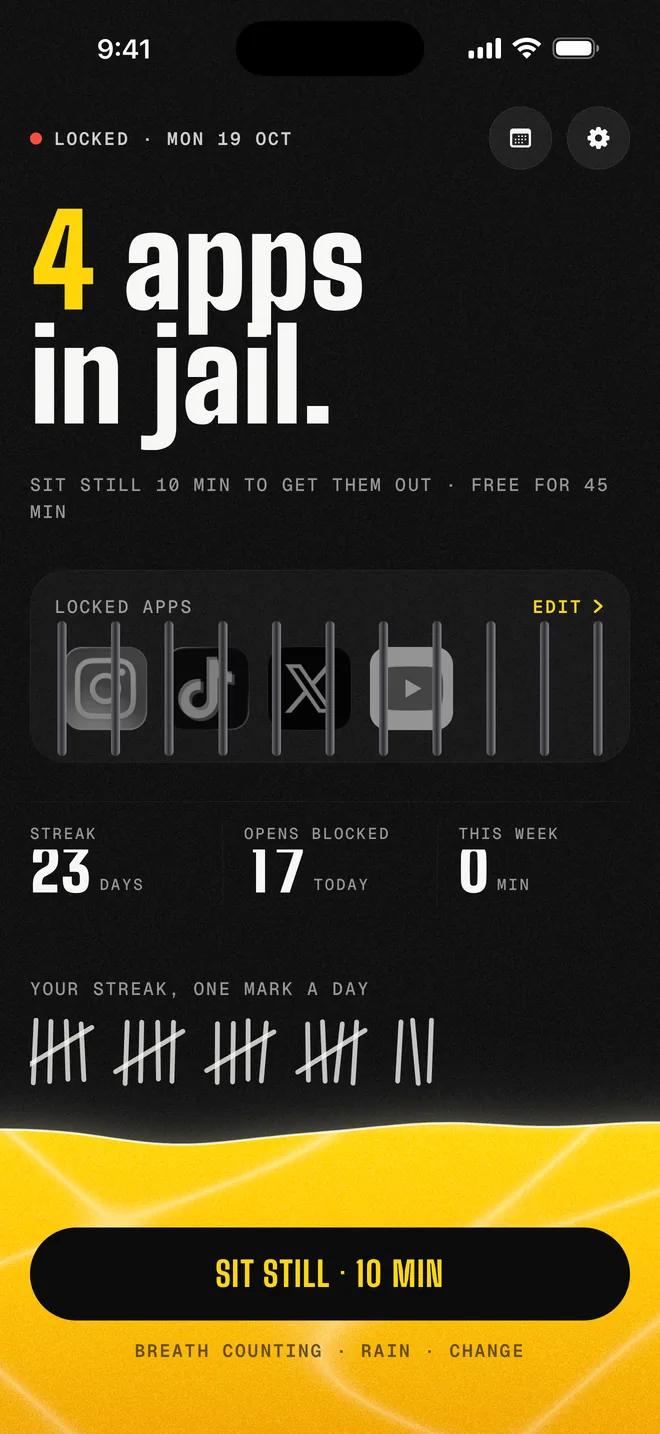
Instagram, TikTok, YouTube: whichever apps you pick. Open one and you get this instead.
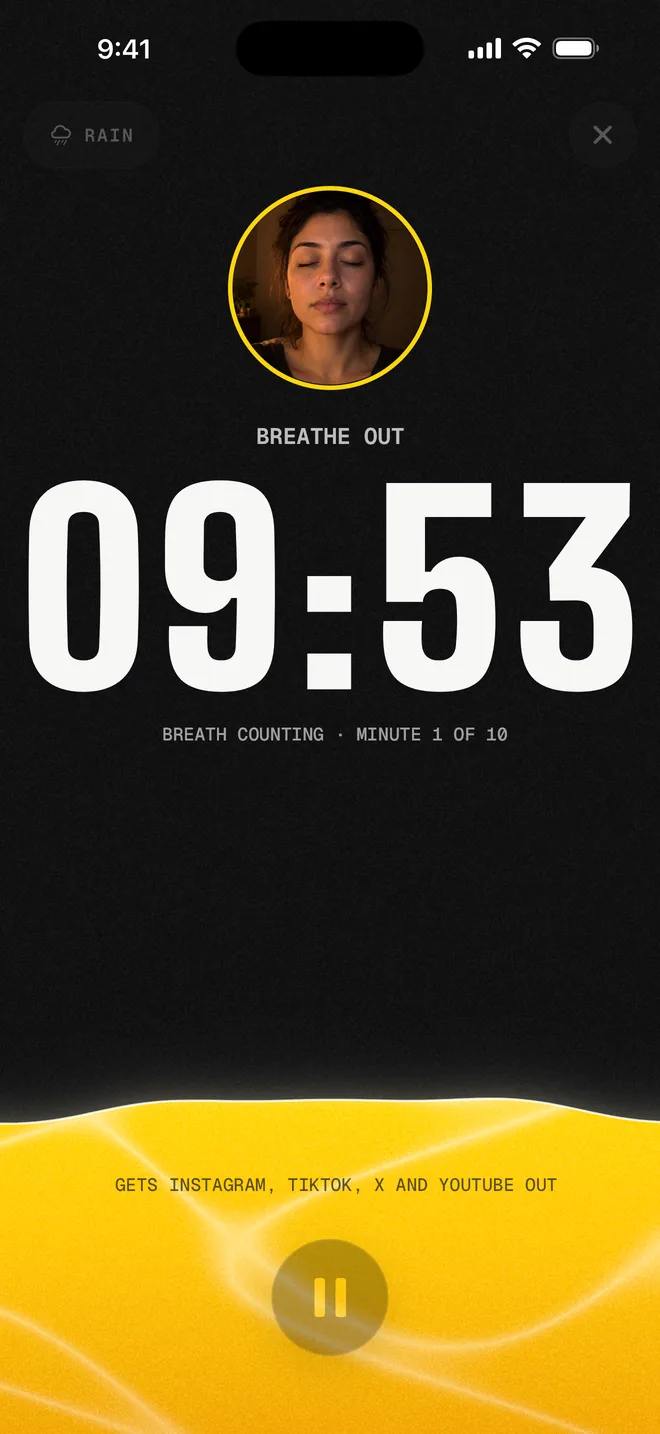
Ten minutes by default. The water rises while you sit and swells with each breath. Close it halfway and your minutes still count toward the next sit, until midnight.
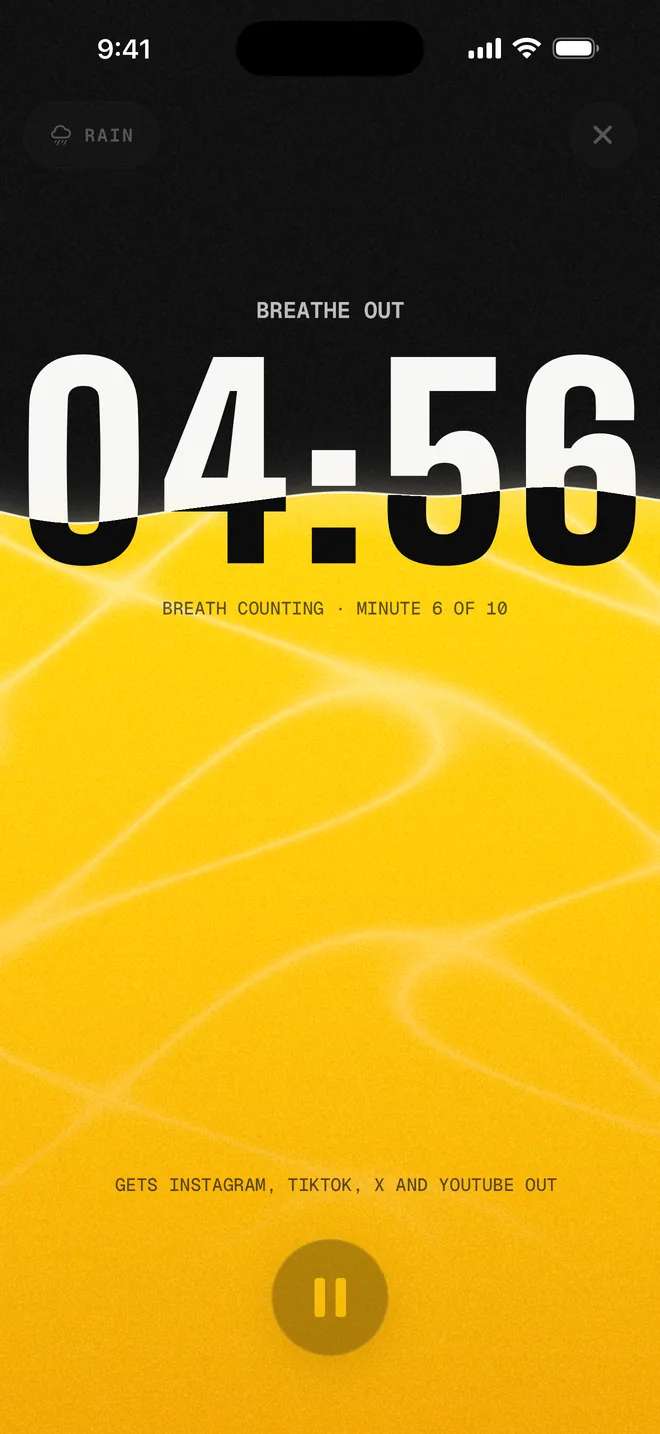
The clock only runs while the front camera sees your face with your eyes closed. Open your eyes or step away and it stops until you’re back. It all happens on your iPhone with Apple’s face tracking: nothing is recorded or sent.
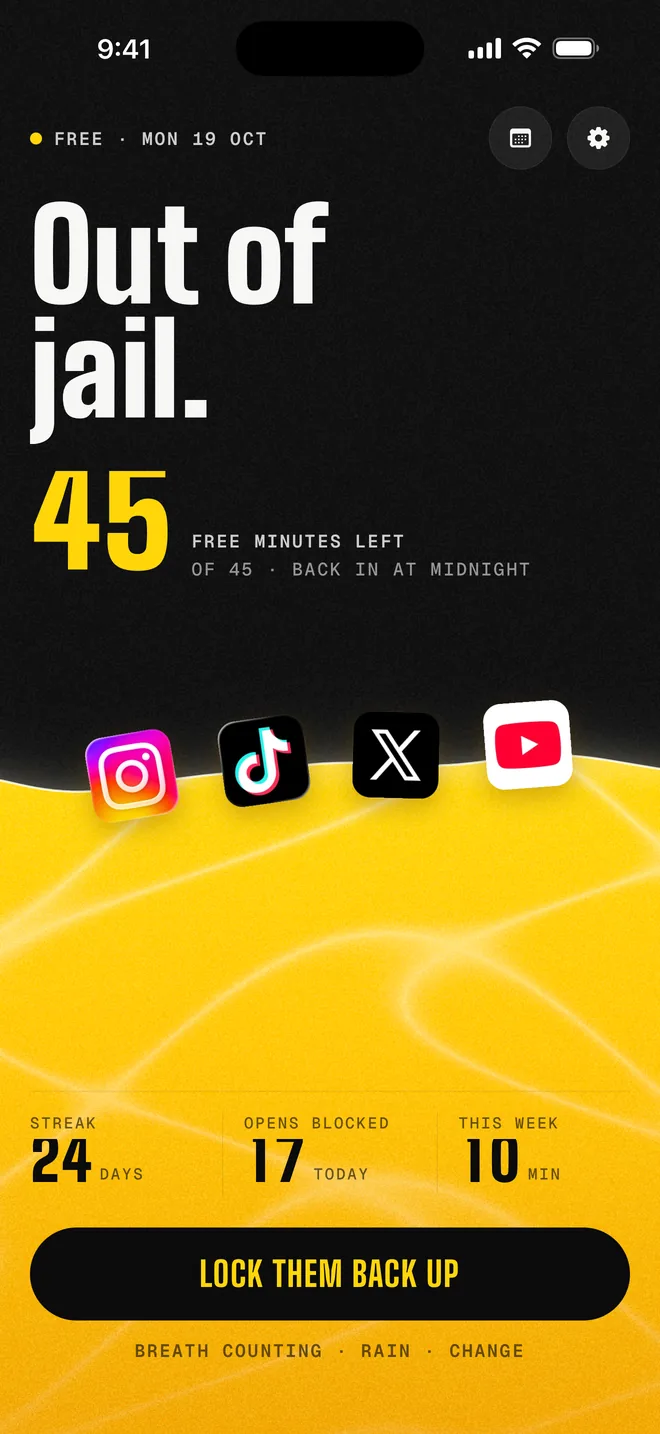
45 minutes of your apps, on your terms. Use them, or keep them locked and keep the streak going.
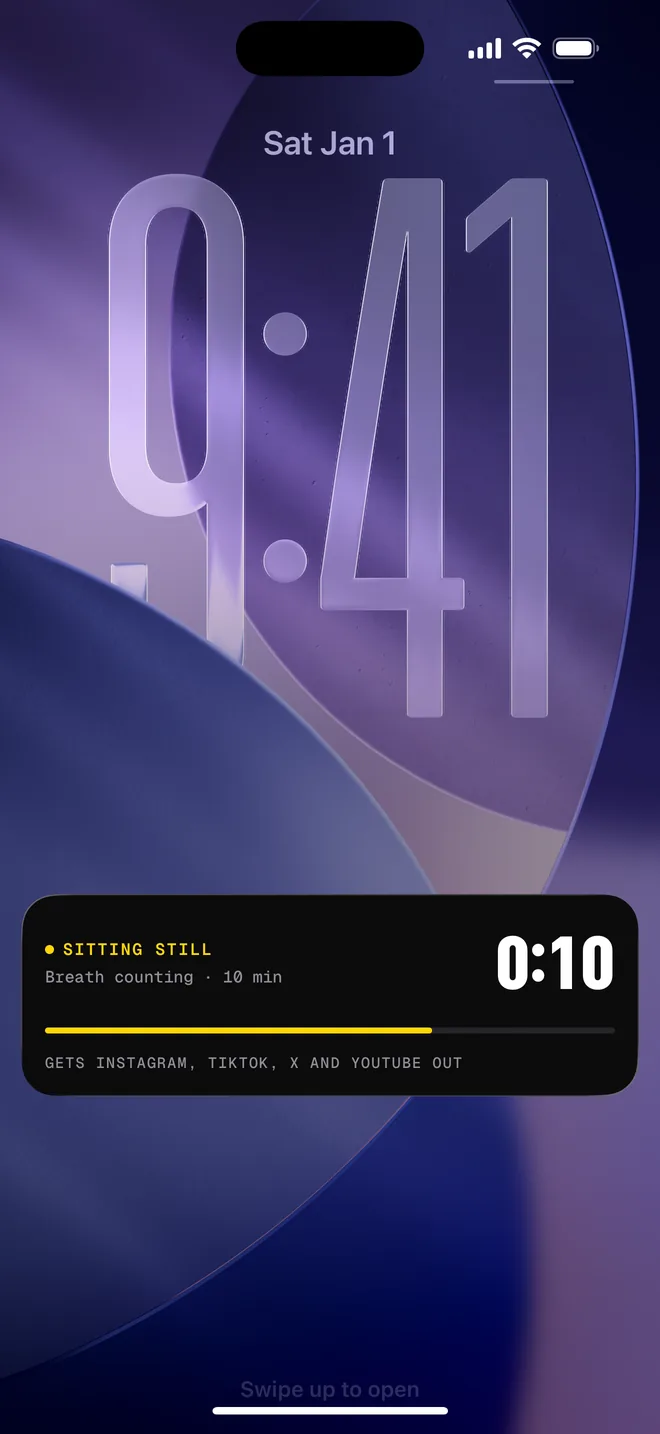
The same deal every day. No snooze button, no “ignore limit for today”. The countdown sits on your Lock Screen while they’re out.
76 days a year
10 of the next 50 years go to your phone, if nothing changes.
Your hours × 365, counted in whole 24-hour days. The same maths the app shows you.
Your thumb is up against apps built to keep it moving. That was never a fair fight. So Dopamine Jail doesn’t ask you to resist. It makes getting in cost a few still minutes.
A few emergency passes a week open your apps straight away for a short while. Hold the button, take a breath, and decide if you still need it.
Apple’s Screen Time does the locking. Your picks reach us as private tokens we can’t read, so we never see which apps you use, or when. No account, no ads, no tracking.
Then $39.99 a year, about 77¢ a week. Or $3.99 a week, no free week.
Cancel anytime in your iPhone’s Settings. US prices; the App Store shows yours.
Anything from 5 minutes to an hour. Ten is the default, and you can change it any time.
No. Close a sit early and the minutes count toward the next one, until midnight.
No. The eyes check runs on your iPhone with Apple’s face tracking and only asks one thing: are your eyes closed? Nothing is recorded, stored or sent, and you can switch it off in Settings. It needs an iPhone XS, XR, SE (2nd generation) or later.
Use an emergency pass. You get a few each week, and each one opens your apps right away for a short window.
Any app, website or whole category you choose in Apple’s Screen Time picker.
No. Screen Time gives us private tokens, not app names or usage. Everything stays on your iPhone.
It’s on the way, not on Google Play yet.
On your iPhone: Settings, tap your name, then Subscriptions. Cancel before the free week ends and you pay nothing.
Sit still for a few minutes to get them out.
Coming soon to the App Store